Back up before repair
Capture a bare-metal backup to your own Proxmox Backup Server before touching disks, partitions, or operating systems.

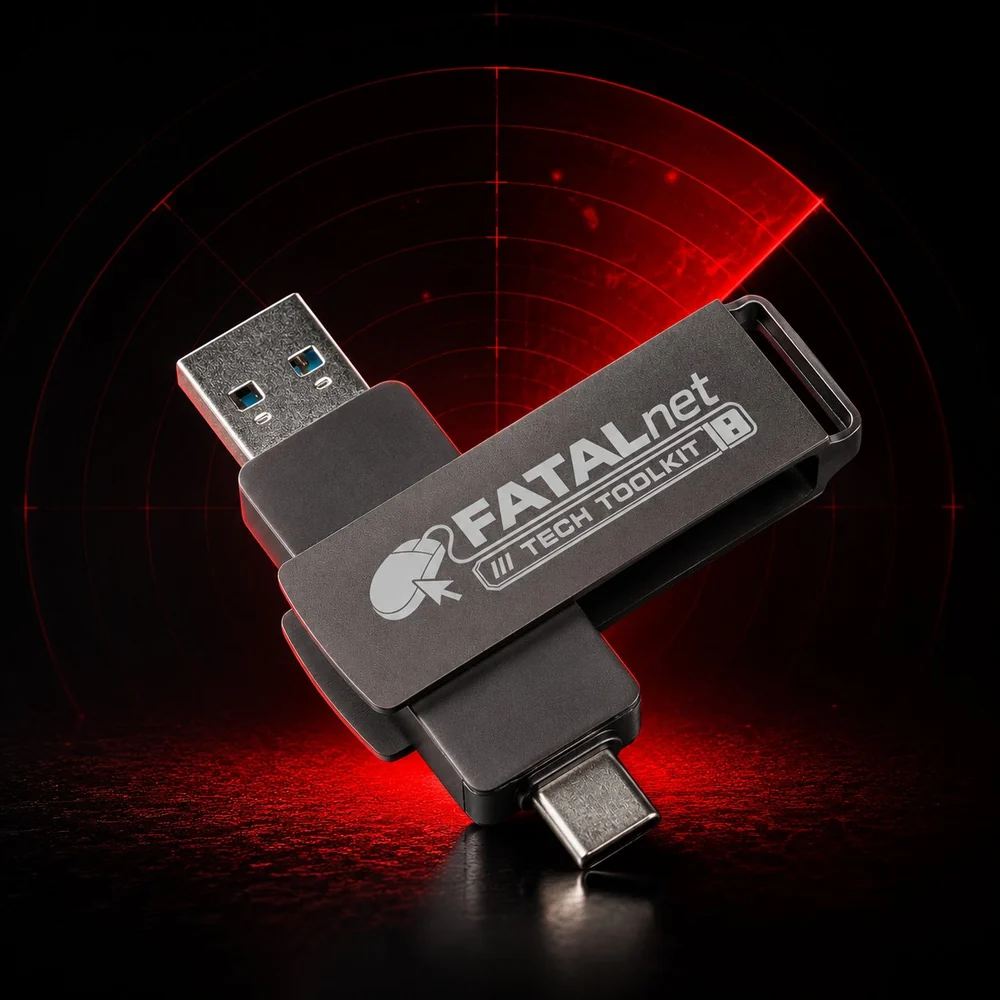
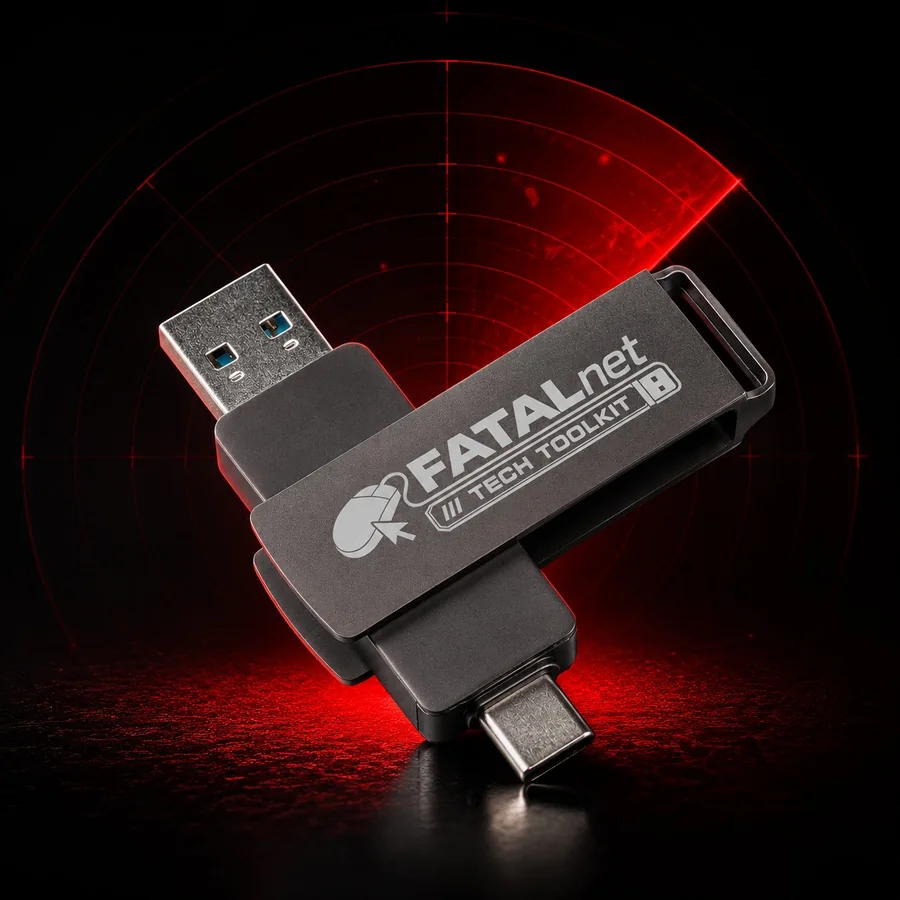
Lost files? Won’t start? Forgot your Windows password? Plug in the FATALnet stick and fix it from a clean on-screen menu: recover data, test failing hardware, reset passwords, and back up before repairs. No command line, no guesswork.
Plug it in before you touch a problem machine, so nothing's lost if the repair goes sideways.
Capture a bare-metal backup to your own Proxmox Backup Server before touching disks, partitions, or operating systems.
Boot from USB, inspect the machine, recover files, repair partitions, and work around broken operating systems.
Run memory, CPU, GPU, disk, network, and system checks from one focused repair dashboard.
A free, built-in offline virus scanner powered by ClamAV, it runs from the USB with the computer’s operating system switched off.
A valuable safety check before a backup or after a restore. Not a replacement for a full real-time antivirus product.
Pair the toolkit with a Proxmox Backup Server: capture a full bare-metal image, restore the whole machine when you need it, and on restore, automatically grow the system onto a larger drive. Don’t have a server yet? The stick can install one for you on a spare PC.

A complete bare-metal image of the machine, captured to your own Proxmox Backup Server before any risky work.
Bring the entire machine back from that image, exactly as it was, whenever you need it.
After a restore, auto-expand the system onto a bigger SSD, ideal for SATA-to-SSD upgrades.
Scan before you trust it. Run the toolkit’s built-in offline ClamAV virus scan right after a backup, or before you restore one, so you never capture malware into an image or roll it back onto a clean machine.
One tap measures the connection on a live gauge, download, upload, ping, and jitter, so you can tell in seconds whether a slow machine is the network or the hardware itself.
Powered by Cloudflare. No account, no install.
Grouped by the kind of problem they solve, from data recovery to hardware tests to wiping a drive. It’s a clean on-screen menu, not a wall of commands to memorize, and every tool is explained in plain English on the Guide page.
Plug in and the whole repair bench is there, no install, nothing to set up.